Cardiff City Council
Jobs via rss

The Ramblers
Jobs via rss
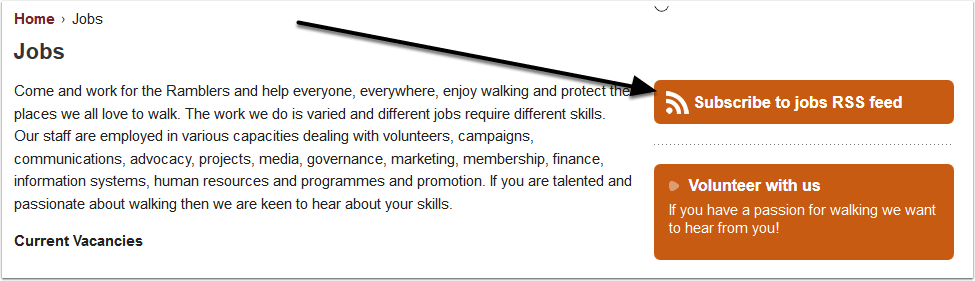
Recruitment International
Jobs via rss

Radio Today Jobs
Jobs via rss

And The Big One – Google Alerts
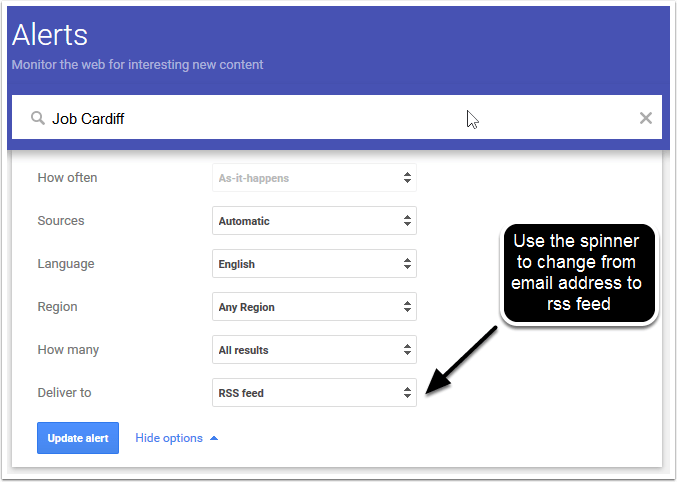
Setup Google Alerts and they can be delivered by rss. The screen below is accessed by clicking on the pencil (edit) symbol, next to each Alert search term. When you click on "Update Alert" an rss icon will appear next to the pencil icon. This can be used to enter into your feed reader (see later).
Now How To View These Jobs
What you need is something called a News Aggregator or Feed Reader. There are many to choose from and it is probably best to choose a web based one as that will work with whatever computer / tablet / smartphone you. I am going to use Feedly a free web based Feed Reader.
How To Create a Feedly Account
The Feedly welcome page

Select Login First
We are going to ignore Explore and Import OPML and click on the login button, top right. You can login with your Google, Facebook, Twitter, Microsoft or Evernote credentials. It says welcome back even if you haven’t logged in before. I’m going to login with Twitter.
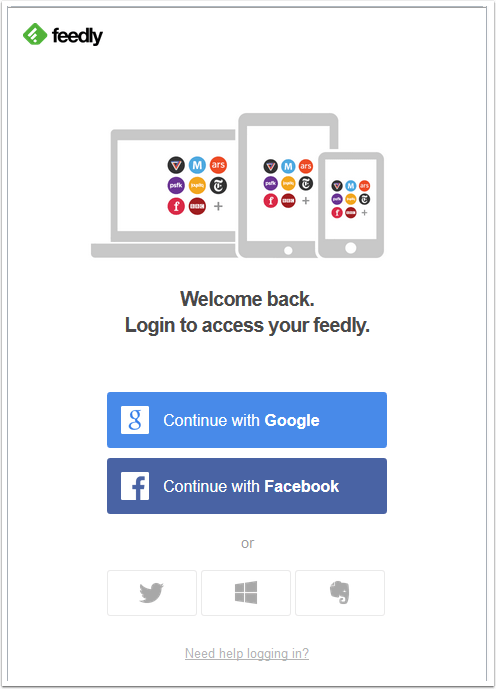
Login With Twitter
This is just a personal preference. Enter your username, password, tick "remember me" and click "sign in".

And We Are In
Next Step, adding a feed.

Add A Feed
Here I’m adding the rss feed from Cariff City Council. The Browser I am using is Firefox. I right click the rss icon (orange and white square) and left click on "Copy Link Location".

Paste Here
Right click and select paste
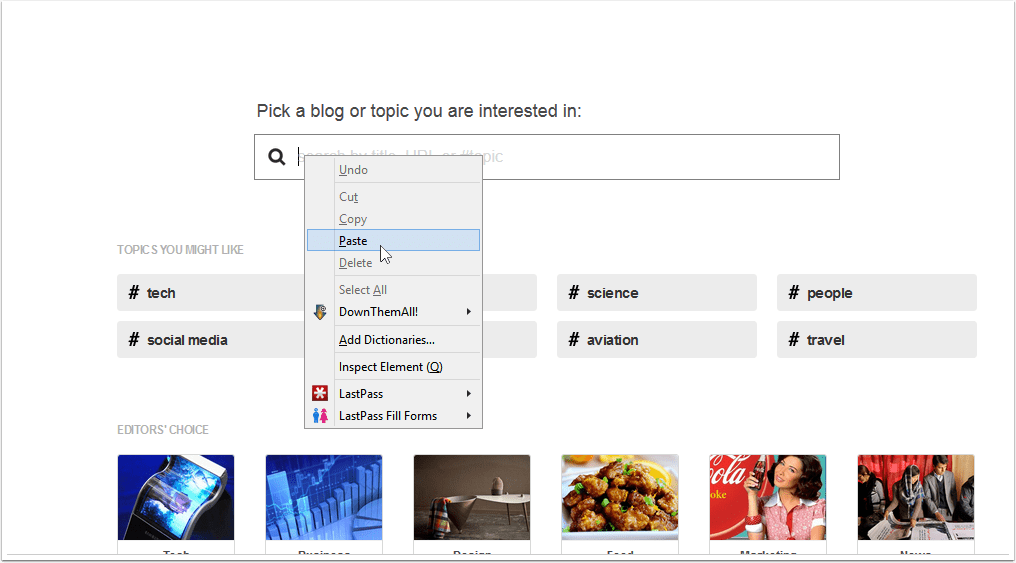
Enter The Feed Into Feedly
The pasted feed and "sites" drops down below.

Select The Feed
Left click here.

And This Is What You Get
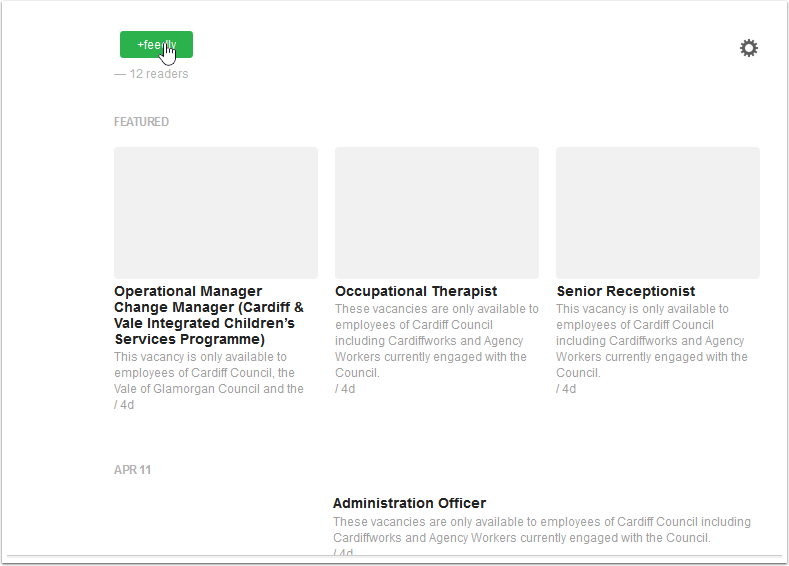
The current vacancies.

Left Click On The +Feedly
Add A Title
I gave the feed a name "Cardiff Council Jobs". "Must Read" means that Feedly will give those feeds so marked greater prominence. "Collections" are basically folders into which you can put feeds. At the bottom left, click on the green "Add" button.

Click The Add Button
And there you go

Now To Add Some More
And there we go. The feeds will update automatically. Using IFTTT you can even connect your Feedly account

 The R W Nash Blog